JCB XTRA 260 LUMEN DETACHABLE HEAD TORCH | JCB-HT-XTRA

£35.95 ex VAT £43.14 inc VAT

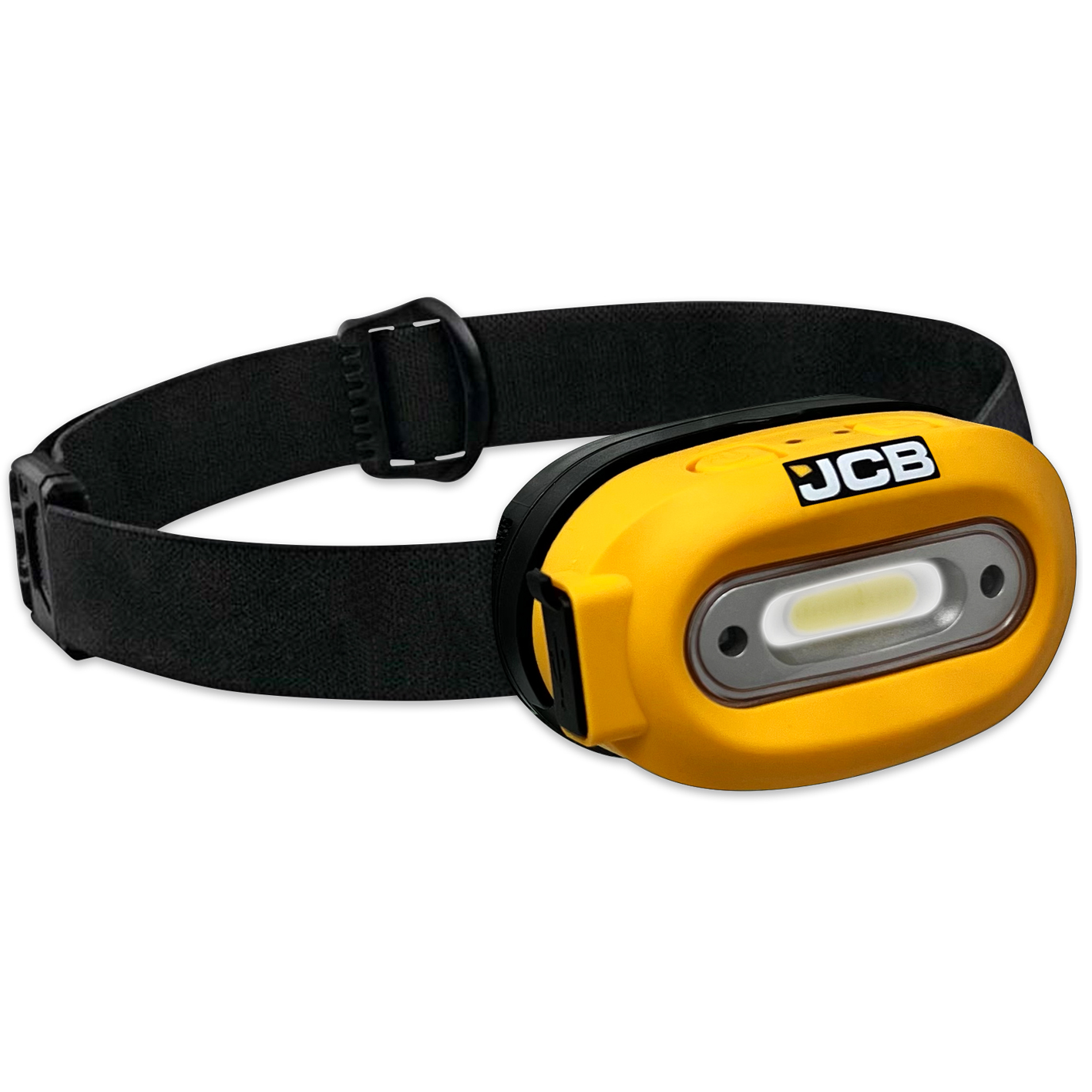
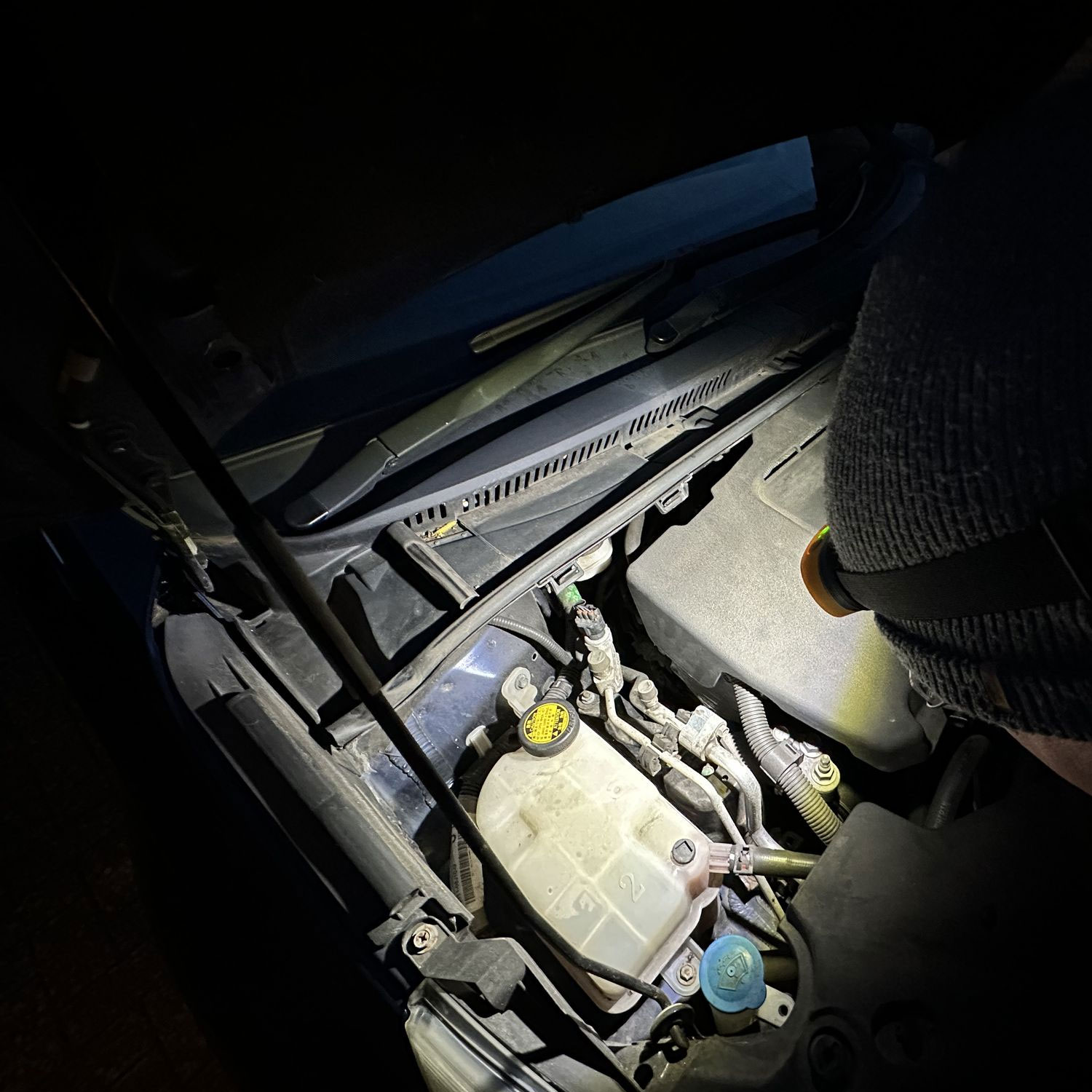
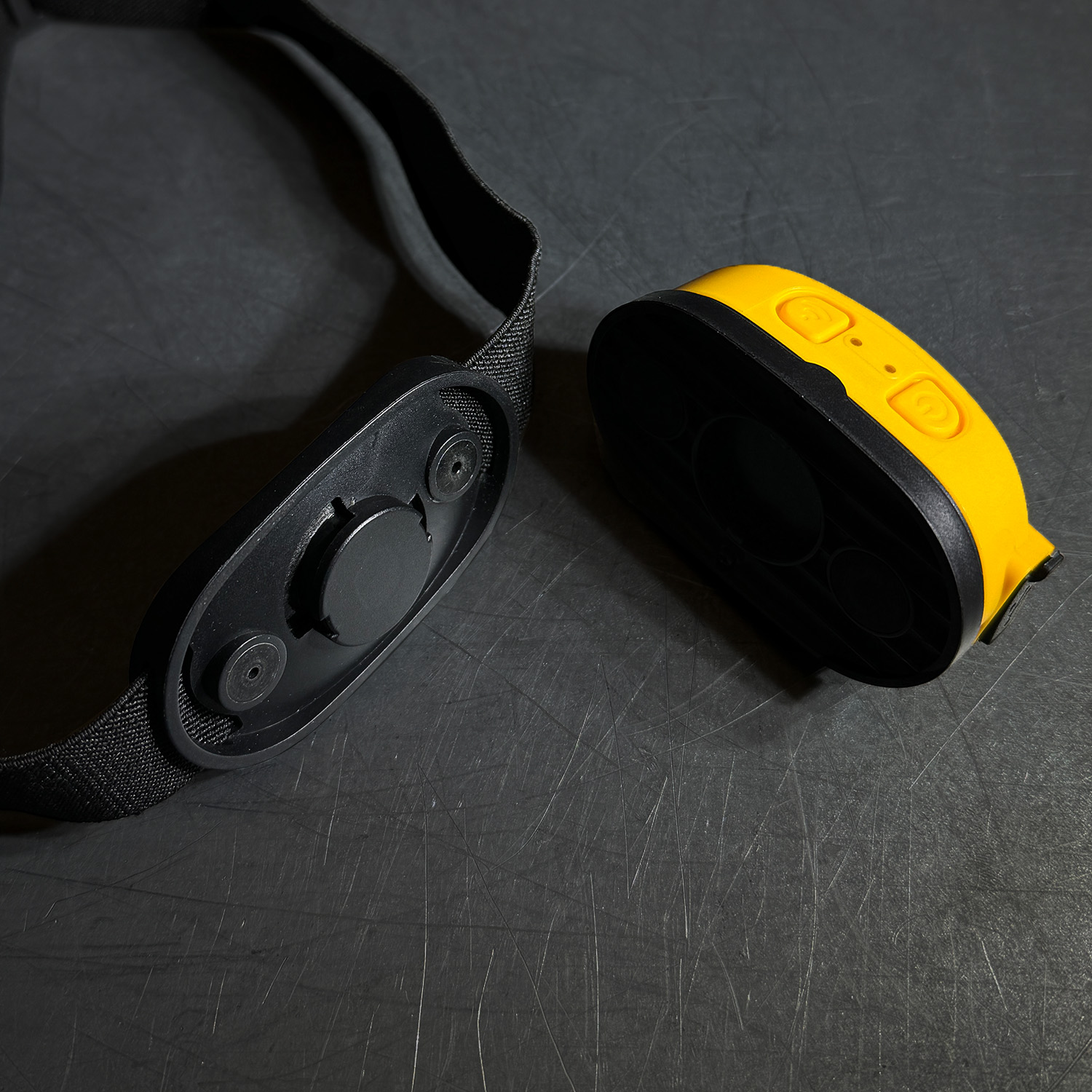
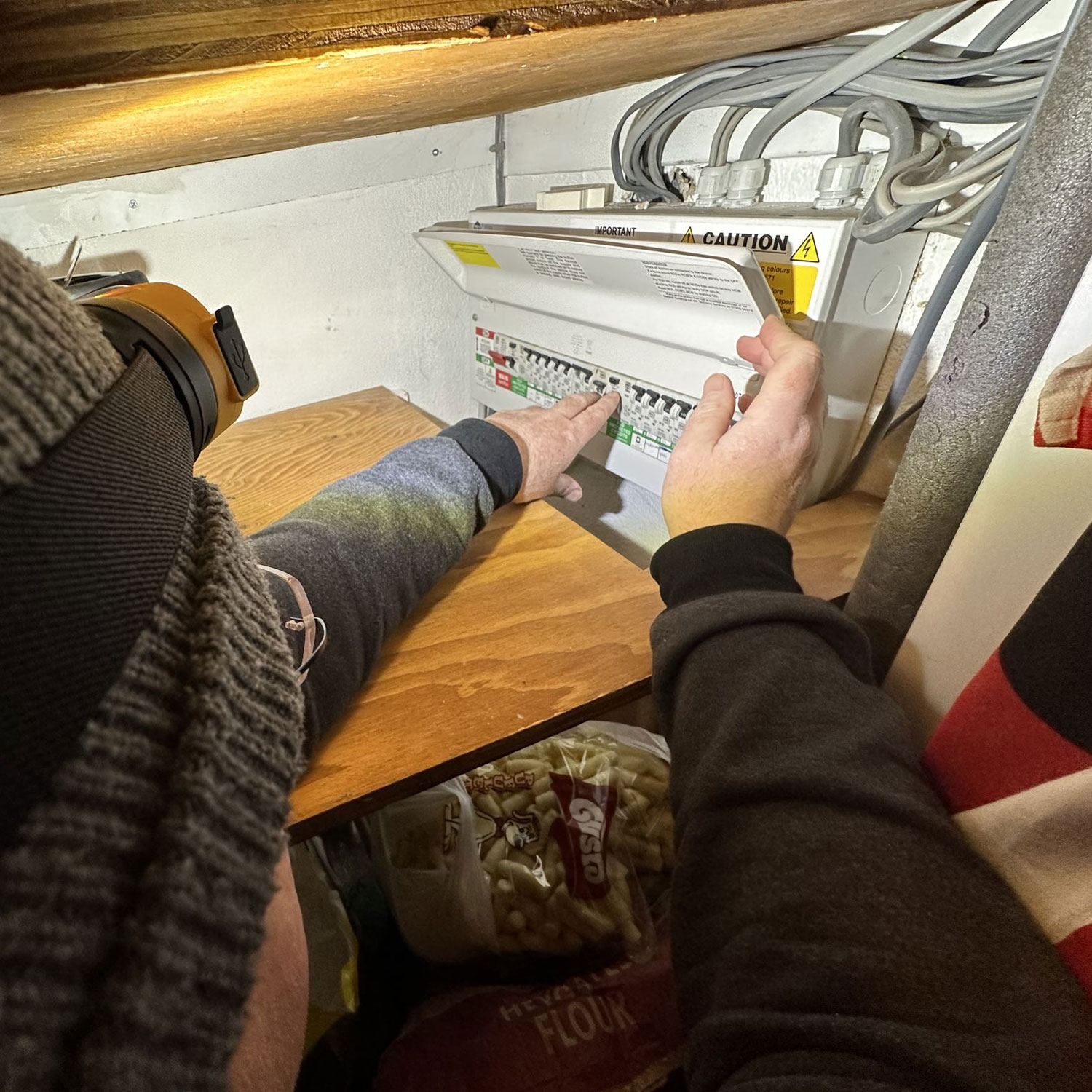
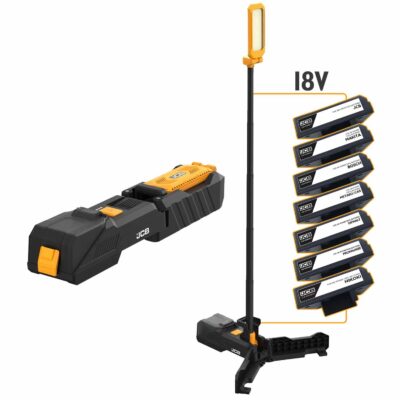
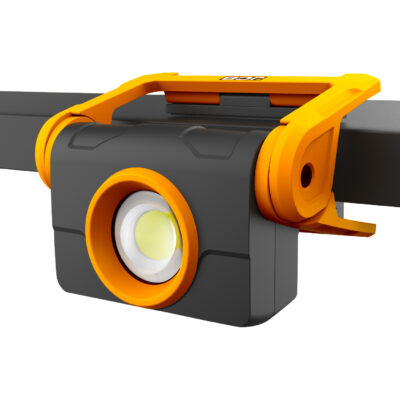
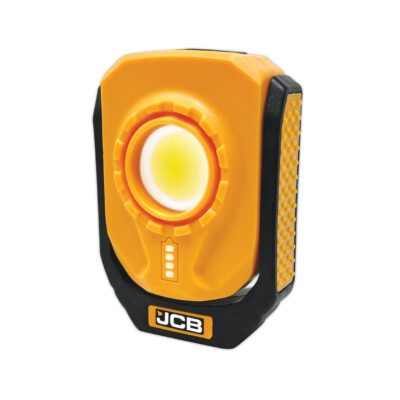
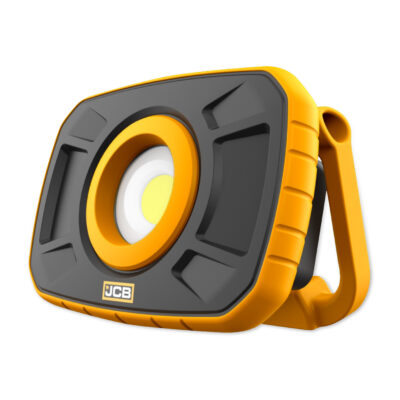
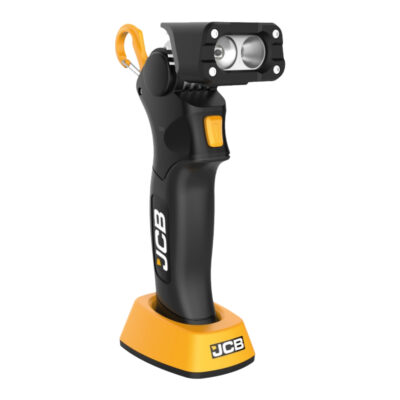
260 lumen head torch with a wave sensor for easy use when your hands are dirty. The light unit is detachable, transforming into a standalone work light with a magnetic base and stand for extra versatility.

Key Features
  • 260 lumens bright wide spread beam

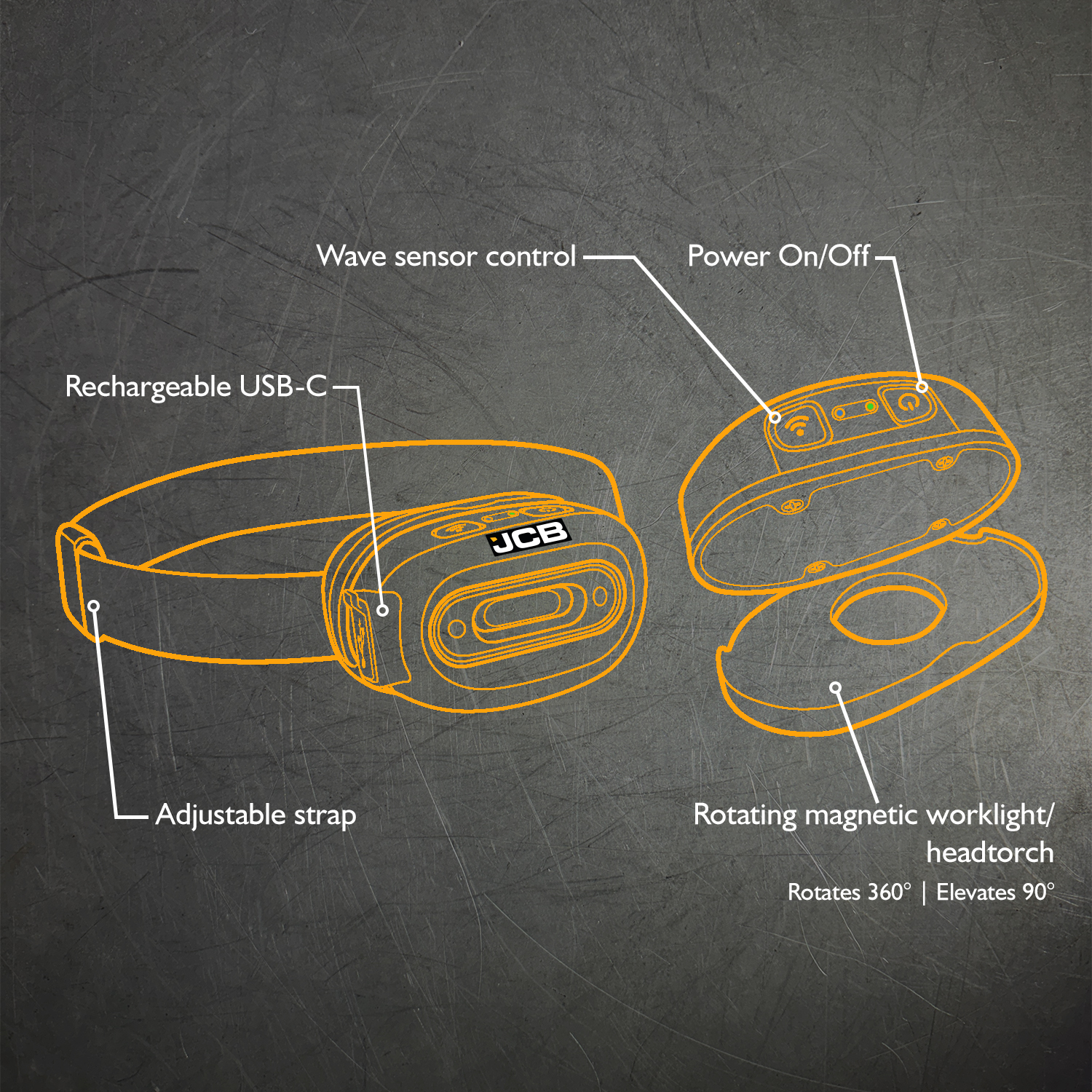
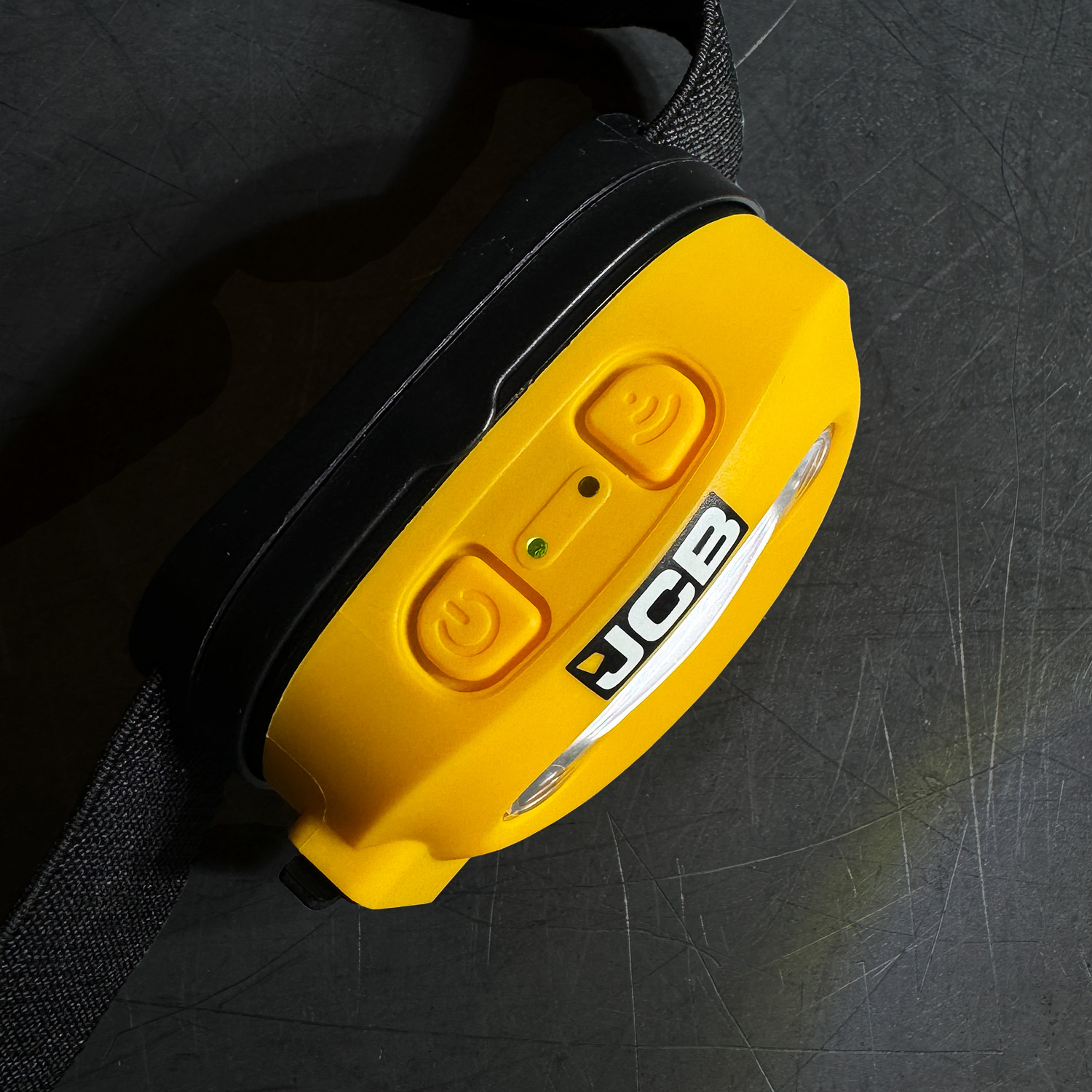
  • Hands-free control with built in wave sensor mode

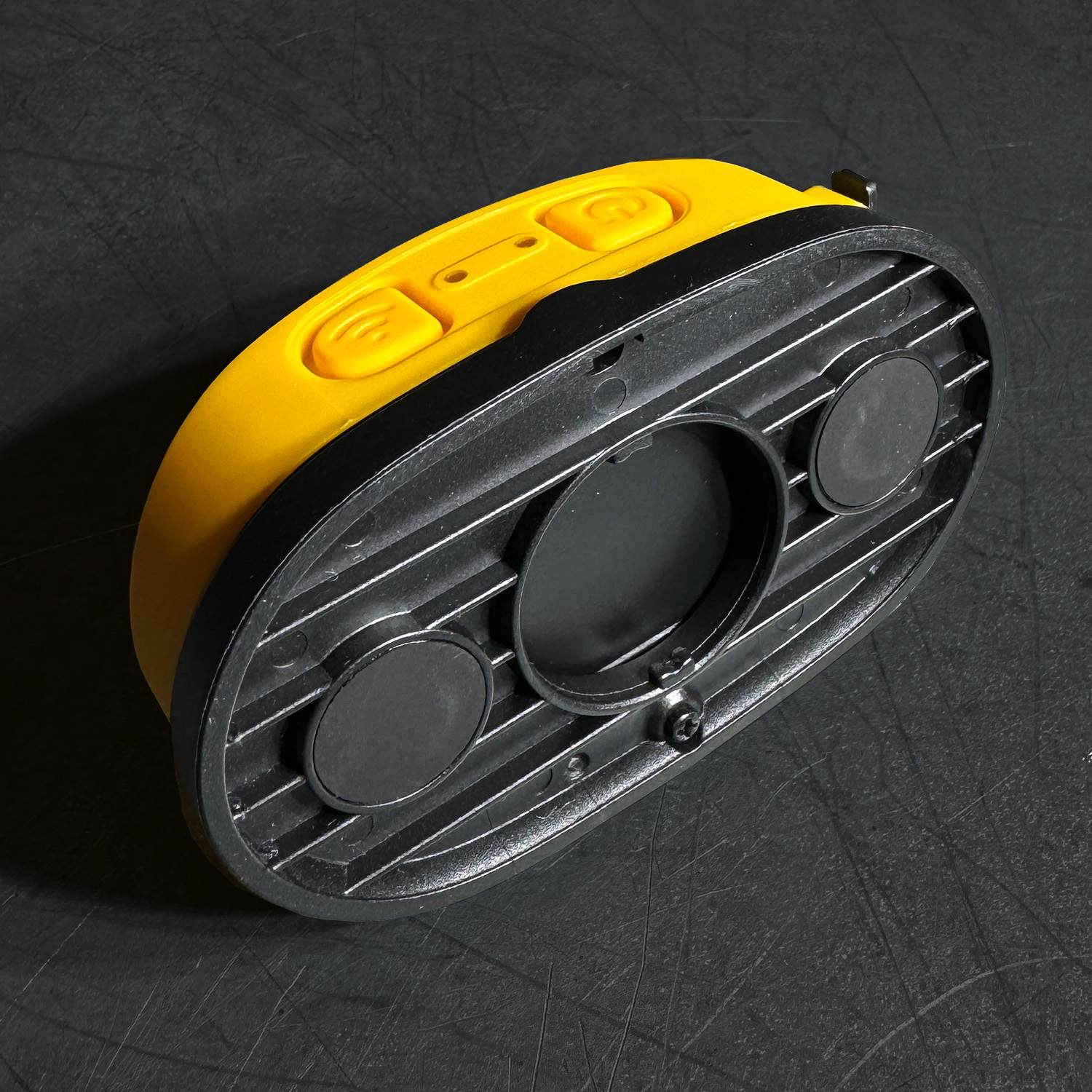
  • Detachable light unit for use as a standalone work light – Elevating 90° with 360° rotation

  • Built-in magnets & stand for easy mounting

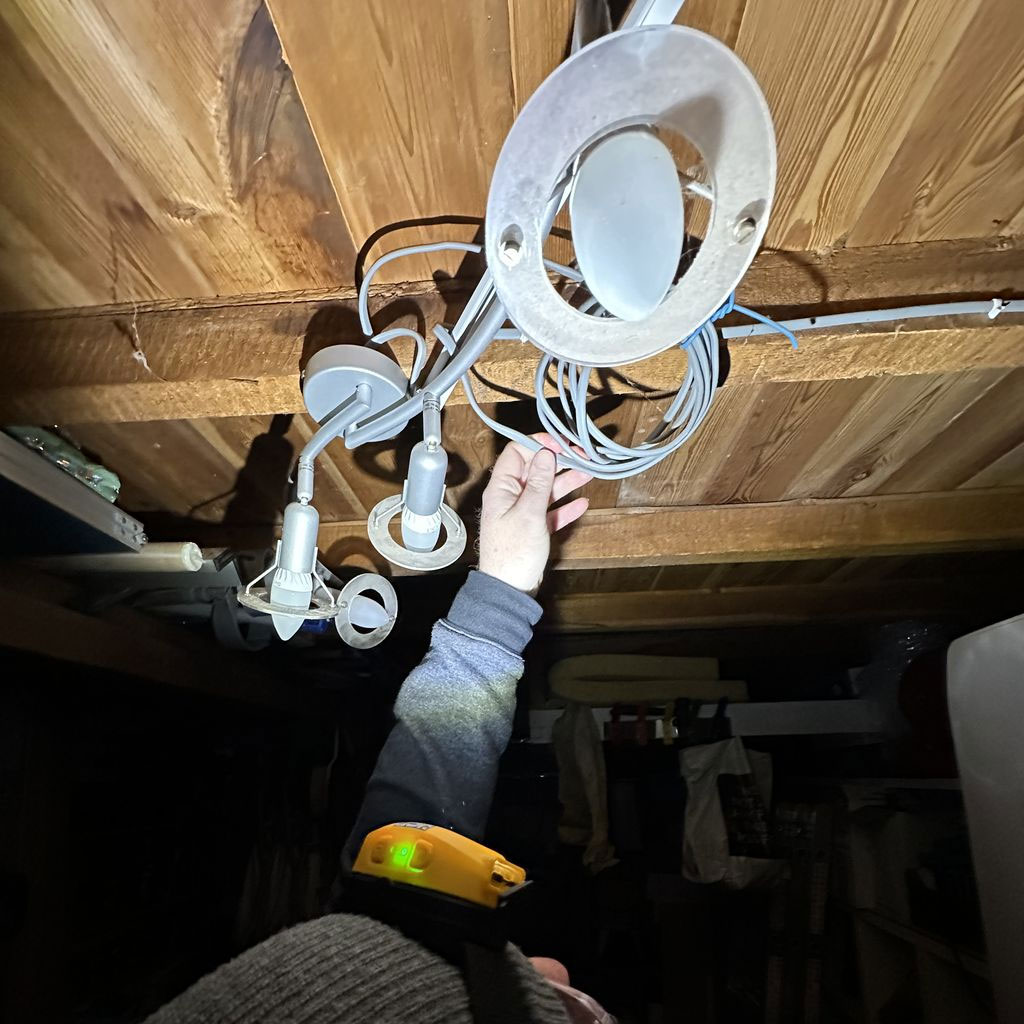
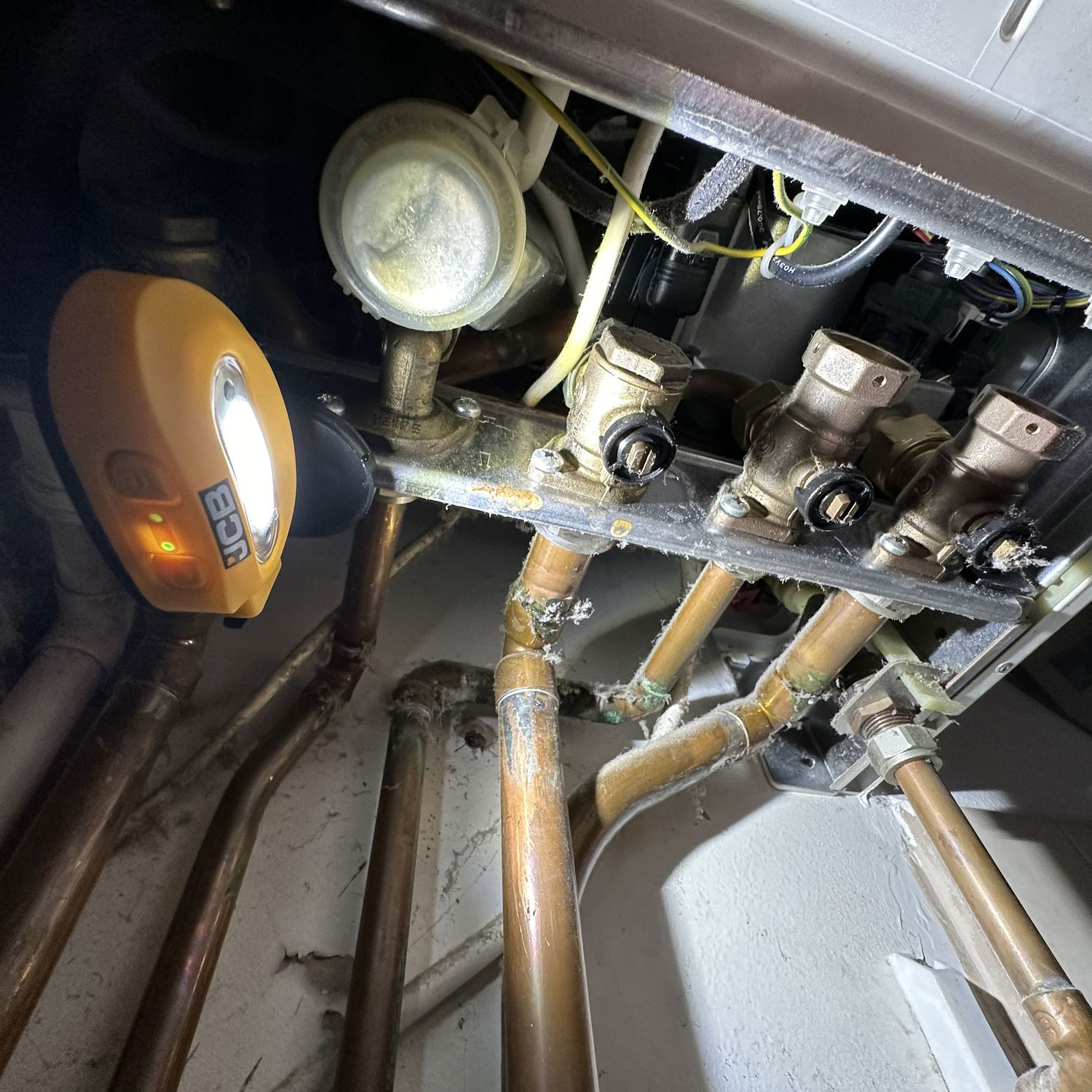
  • Ideal for electricians, plumbers, mechanics, and more

Perfect for tight spaces where a compact, mountable light is needed.

260 LUMENS

Motion Sensor

IP44 Splash / Dustproof

Runtime 4H

Battery - Rechargeable USB-C

Battery Status Indicator

Droptest 2M

Mounting Magnet

Description

  • Multi-funtional 260 lumen head torch
  • Wide angle beam ideal for all applications
  • Wave sensor for when your hands are dirty
  • Detachable light with stand and magnetic base
  • Up to 4 hours runtime – 2 settings 260 lm, 130 lm
  • Ideal for plumbers, electricians and mechanics

OUTPUT 260 LUMENS
BATTERY RECHARGEABLE USB-C
RUNTIME UP TO 4 HOURS ON FULL CHARGE
CHARGE TIME 2.5 HOURS
IP/IK RATING IP44 SPLASH / DUSTPROOF
WARRANTY 3 YEARS
DIMENSIONS (MM) 38 (D) X 80 (W) X 45 (H)
WEIGHT 111 g
BARCODE 604565169808
COMMODITY CODE 8513100000

How to replace the battery

How to replace the battery - 01

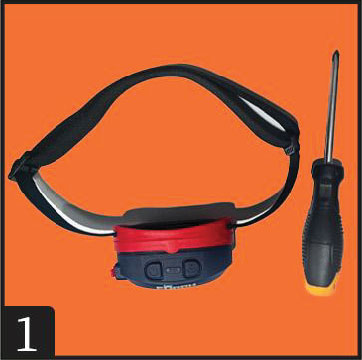
1.Prepare a suitable Phillips-head screwdriver and a new battery.

Keep the device powered off.

How to replace the battery - 02

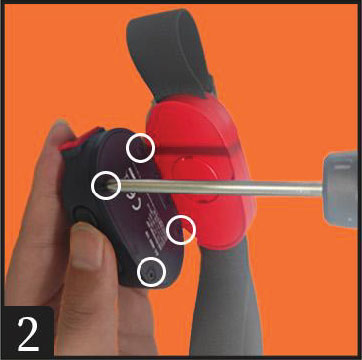
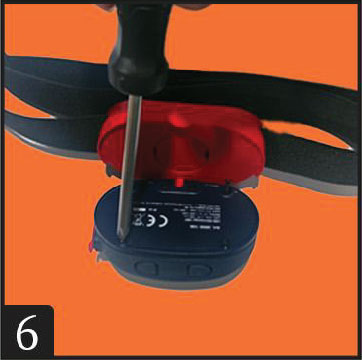
2.Remove the four screws on the back cover and keep them safe.

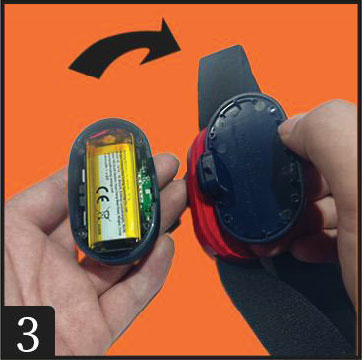
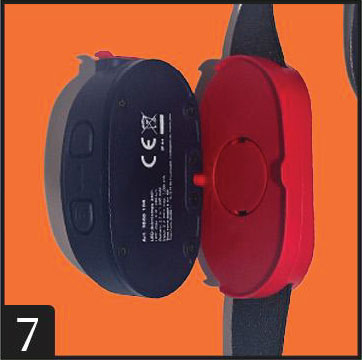
3.Open the back cover to reveal the battery.

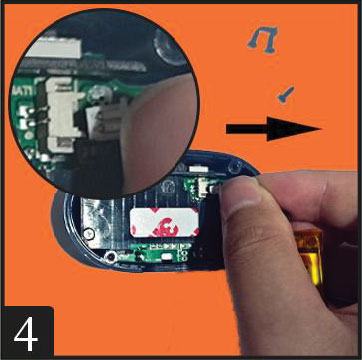
4.Gently pull the battery connector to the right to disconnect it.

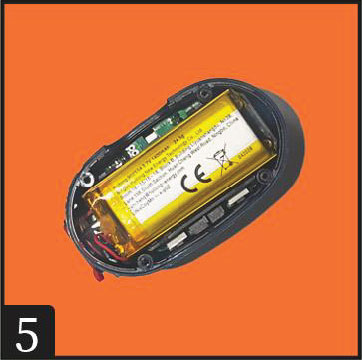
5.Insert the new battery into the original position.

6.Align and snap the back cover back into place. Check for any gaps, then tighten the four screws back into their original positions.

7.Tighten the screws to a firmness similar to that before removal.

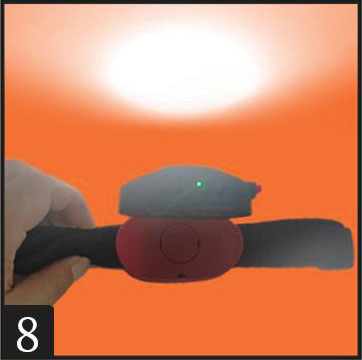
8.Turn on the device to check if it powers up.

Data Sheet Instructions
XTRA Data Sheet XTRA Instructions